
 Verena Dirnberger Verena Dirnberger
 Marion Lugmayr
 Emma Fernandez
 ergonis
In the constantly changing world of design and text editing, having the right tools can significantly improve your workflow. Introducing PopChar 10, the latest version of the reliable character map and font viewer tool that has been trusted by professionals from various industries since 1987.

 Alice Rottmann
Discover the ultimate guide to the best graphic design tools of 2024. Dive into our comprehensive review of this year's most innovative and efficient design solutions, from industry staples like Adobe Creative Cloud to newcomers like Figma and Lunacy.

 Kathrin Brandlberger
Elevate your holiday emails with Typinator! Explore the art of crafting festive email statements for Christmas, and discover how Typinator can save your favorite seasonal greetings forever. Spread yuletide joy effortlessly and make your email communication merry and bright!
 Marion Lugmayr
Stress and burnout are huge issues in today’s world of work. Here are five simple tips to reduce pressure and stress – fitting for everyone.
 Verena Dirnberger
6 proven methods and tools to boost your productivity and efficiency at work – easy to implement in your daily life and fitting for everybody.
 Kathrin Brandlberger
Are you looking for a character map that is both quick and easy to use, and can handle all the different characters and symbols that you might need? Then PopChar is the ideal character map for you.
 Kathrin Brandlberger
What are Chinese letters? How do Chinese letters differ from our Western alphabets? How can you type in Chinese on your own keyboard? Is there an easier way to write Chinese letters? The answers to all these questions and more, and an introduction to using PopChar to insert Chinese letters. Is there an easy way to write Chinese letters on your own keyboard? The answers is, using PopChar to insert Chinese letters.
 Verena Dirnberger
Working remote is skyrocketing but creating a good home-office is difficult. Here are simple and budget-friendly options to improve your remote work space.

 Thomas Reichenberger
FileMaker functions can easily be added to calculated fields with Typinator, just type a short abbreviation and Typinator expands the corresponding text.
 Thomas Reichenberger
Shortkeys are mnemonics, consisting of a series of significant characters, which are defined to expand boilerplate. Save time and make efficient usage of shortkeys on Mac OS X with Typinator.
 ergonis
PopChar 9.5 is out now and has been optimized and runs flawlessly on macOS Ventura.
 Thomas Reichenberger
A text expander like Typinator is a powerful tool that replaces short abbreviations with longer phrases, sentences, images and much more. Increase your productivity and stop typing the same thing twice.

 Christoph Reichenberger
Mac shortcuts are a combination of keys on the Mac keyboard executing certain commands when held down together. KeyCue helps to learn mac shortcuts.
 ergonis
We proudly present Typinator 9 - the latest version of our powerful text expansion tool.
 ergonis
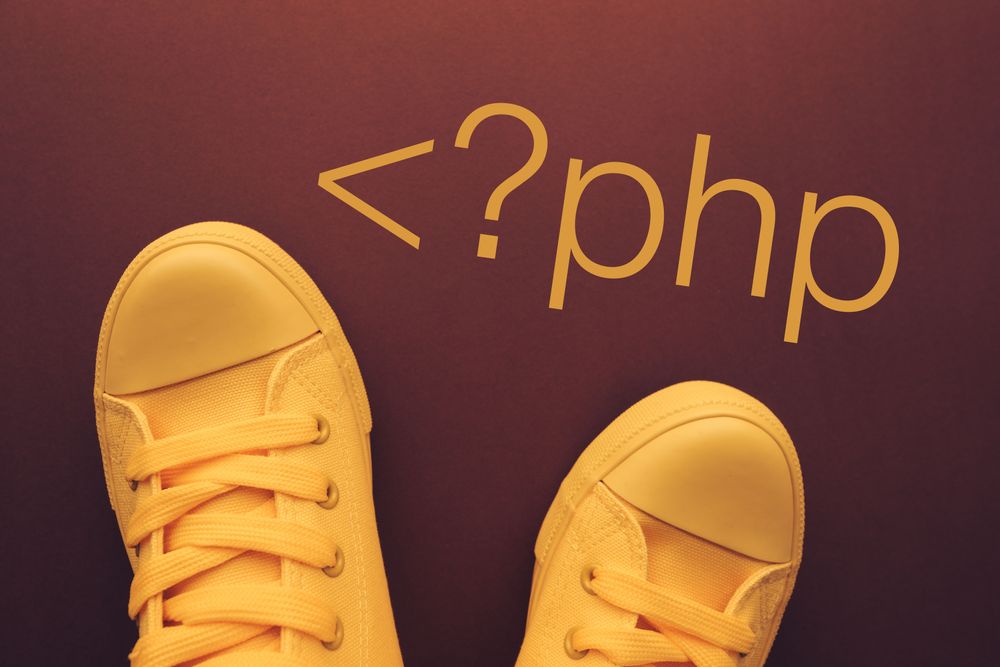
Starting with macOS Monterey, PHP is no longer included in a default installation of the system. If you want to use PHP on macOS Monterey, follow the instructions here.
 Verena Dirnberger
Typinator is a spell checker that instantly corrects your spelling errors as you type. Besides that, it is not available just in your favorite word processor, but system-wide in any application. Typinator comes with built-in sets for automatic correction of many popular typing errors in English, German and French.
 Christoph Reichenberger
Download fonts for a fee as different application areas need different fonts. The handling of various fonts is complicated as not all characters can be accessed via the keyboard. With PopChar it is a breeze to find and insert all characters.
 Kathrin Brandlberger
Phonetic symbols for English and other languages are important as spelling and pronunciation often are different. PopChar helps to easily insert phonetic symbols into your document.
 Kathrin Brandlberger
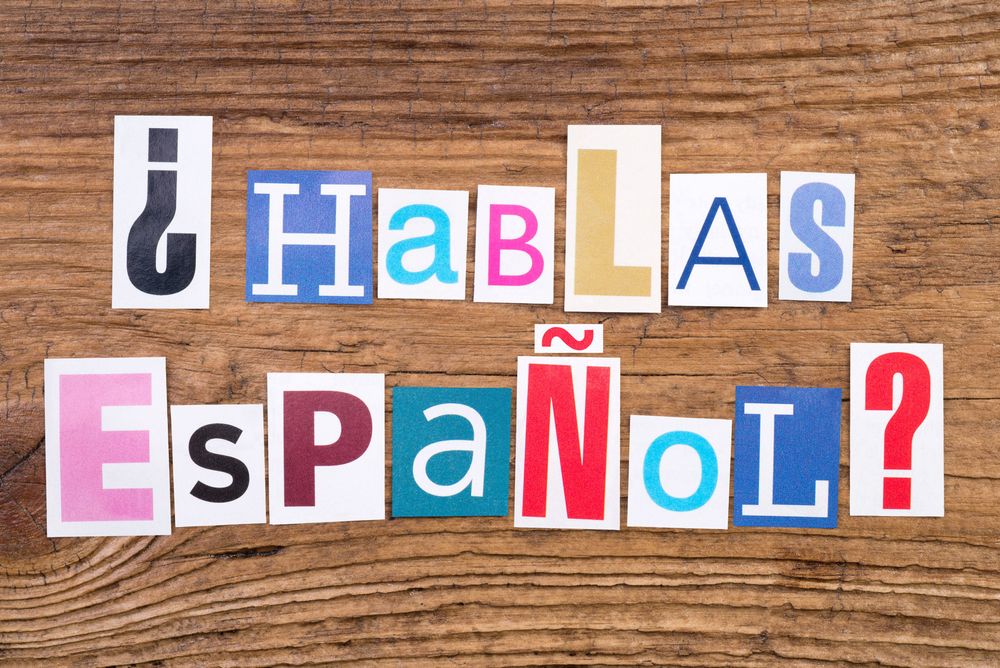
Typing Spanish characters without a new keyboard and without memorizing complicated keyboard shortcuts? Insert Spanish characters with PopChar instead!
 Verena Dirnberger
Punctuation helps to build up a clear structure to make a better understanding for the written language. Application of punctuation marks is sometimes very tricky. Typinator helps to avoid the improper usage of the different punctuation marks.
 Christoph Reichenberger
Chinese vocabulary contains more than 80.000 Chinese symbols. t's cumbersome to learn Chinese symbols and to type them on our keyboard. PopChar helps to insert them easily.
 Marion Lugmayr
Text expanders are a powerful tool that can significantly improve productivity and efficiency for anyone who spends a considerable amount of time using a computer or mobile device. These handy applications allow users to ...
 Kathrin Brandlberger
Using Unicode fonts can be difficult if you don't have an appropriate keyboard. PopChar helps you to insert characters from all installed Unicodes fonts.
 Christoph Reichenberger
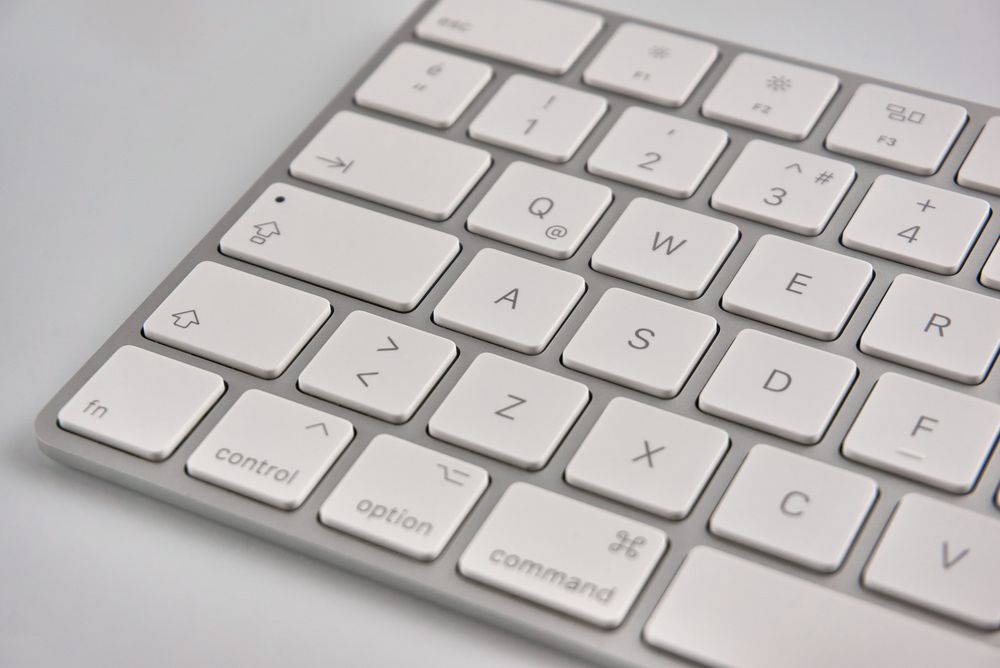
The Apple key or open-Apple key, is a modifier key present on Apple Keyboards. If you hold down the Apple key, KeyCue shows you all available shortcuts of the current application.
 Christoph Reichenberger
If you want to use Hebrew, Arabic or Cyrillic TrueType characters in a document, PopChar is the solution you're looking for. Rather than using complicated keyboard combinations, this advanced character map lets you insert Hebrew, Arabic and Cyrillic letters into any document - quickly and easily.
 Christoph Reichenberger
The standard Windows character map is slow, inflexible and frustrating to use. If you need to insert foreign characters or special symbols into your text, try an improved character map - PopChar.
 Christoph Reichenberger
It's not easy to write Chinese characters on a computer. PopChar helps to quickly and easily type Chinese characters.
 Kathrin Brandlberger
German letters - umlauts and the eszett - are difficult to be inserted when using a non-German language keyboard. However, insertion can also be easy. With PopChar and without the need for another keyboard.
 Christoph Reichenberger
A better character map that works! PopChar, the user-friendly character map, lets you easily insert special characters, umlauts and foreign letters into any document.
 Verena Dirnberger
Are you writing letters in Spanish? Or do you need to type Spanish letters on your computer without a new keyboard and without memorizing complicated keyboard shortcuts? Insert them with PopChar instead! This easy-to-use character map makes writing Spanish letters quick and easy, and it works with all your applications!
 Christoph Reichenberger
It's difficult to type Greek letters when using a non-Greek language keyboard. PopChar helps to insert Greek letters easily without changing the keyboard.
 Christoph Reichenberger
Spanish accent marks and the Spanish tilde change the pronunciation and meaning of Spanish words. Insert Spanish accent marks with PopChar without memorizing complicated keyboard shortcuts.
 Christoph Reichenberger
Looking for an ASCII character map that lets you insert all the ASCII characters with a simple click of the mouse? PopChar is the solution for you! This powerful character map works with ASCII, extended ASCII, Unicode, HTML and much more.
 Thomas Reichenberger
Save time and boost productivity with Typinator. Learn how to set up personalized messages to faster reply on emails. Streamline your communication for professional and efficient emails.
 Christoph Reichenberger
Astrological signs and symbols are difficult to type on a computer keyboard. PopChar helps to insert astrological signs and symbols in no time.
 Verena Dirnberger
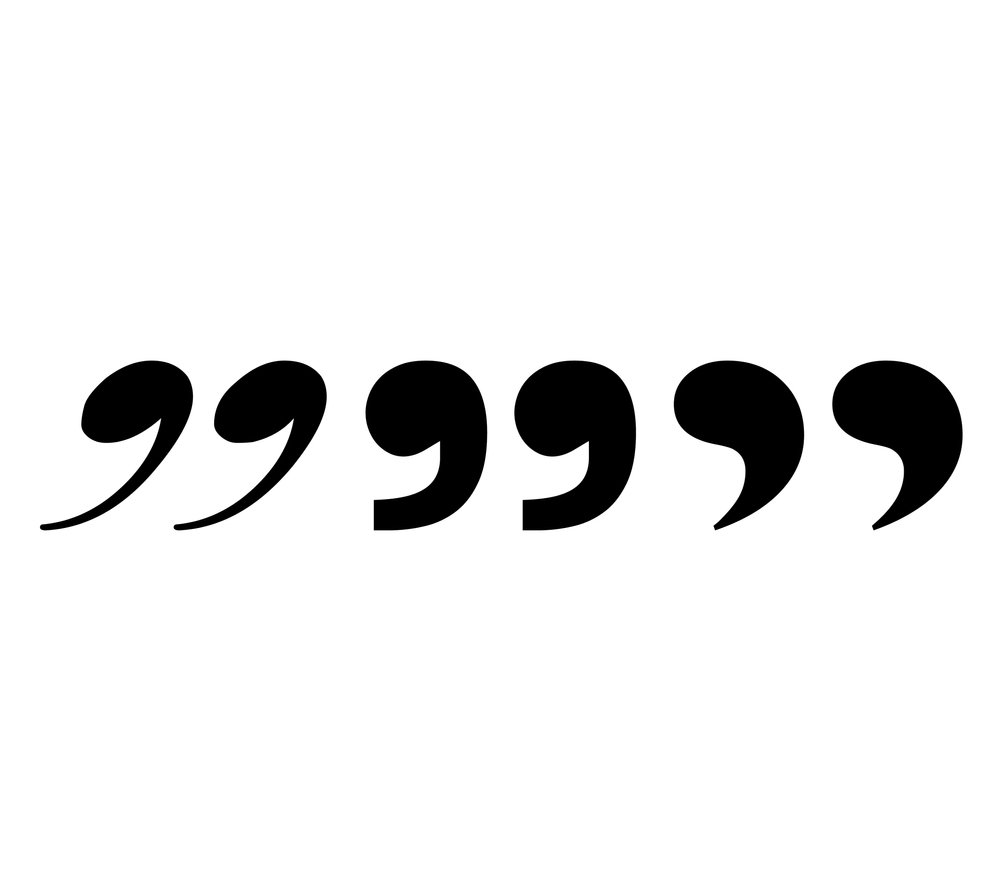
Quotation marks are punctuation marks with the aim to emphasize different parts of a text. Different usage of quotation marks depending on the language makes it impossible to know all details by heart. Typinator help to use quotation marks correctly.
 Christoph Reichenberger
Umlaut domain is a domain name that contains an umlaut. Since 2009, it is impossible to insert umlauts and other non-Latin characters in domain names. PopChar helps to insert these characters.
 ergonis
Here you can find information about installing our apps and how to best update.
 Marion Lugmayr
Text templates are invaluable if typing repetitive text. Typinator helps to create text templates. Just create a text template once and use an abbreviation to paste it in wherever it's needed.
 Verena Dirnberger
To cite sources means to include external text or excerpts in your own composition, which can be a tedious task and results in a steady loss of productivity.
 Kathrin Brandlberger
Using Unicode can be time-consuming and difficult. PopChar is the Unicode character map that makes this task quicker and easier than ever before!
 Christoph Reichenberger
TrueType fonts are a font technologie offering highest possible quality for printing and for on-screen display on Windows and Mac OS. PopChar helps to explore TrueType and other fonts and insert characters into your document.
 Kathrin Brandlberger
Download free fonts as different application areas need different fonts. The handling of various fonts is complicated as not all characters can be accessed via the keyboard. With PopChar it is a breeze to find and insert all characters.
 Christoph Reichenberger
French accent marks, French cedilla and the Πligature. Insert these characters with PopChar without memorizing complicated keyboard shortcuts.
 Christoph Reichenberger
Wingdings fonts and Wingdings symbols - easy access and insertion of Wingdings symbols with PopChar. Just open up PopChar and click on the desired Wingdings symbol and it instantly appears in your document.
 Christoph Reichenberger
Japanese characters are already very important in Western languages. How can we easily type Japanese characters on our computer? Insert Japanese characters with PopChar - easily and quickly.
 Christoph Reichenberger
Keyboard shortcuts help you save time by allowing you to never take your hands off the keyboard to use the mouse. KeyCue shows all available keyboard shortcuts.
 Marion Lugmayr
Typinator is the text insertion utility that lets you add text and pictures into any type of document, easily and quickly. With a built-in auto-correction feature, Typinator saves you from typing the same things over and over again.
 Marion Lugmayr
Shortcut keys provide quick access to frequently used menu commands. But unfortunately we don't know many shortcut keys by heart. KeyCue helps you to make better use of shortcut keys.
 Christoph Reichenberger
In past, we were happy to welcome many former TextExpander customers who switched to Typinator because they were unsatisfied and wanted a more robust and faster solution. You should do it too and here is why!
 ergonis
Here you can find all information you need about the compatibility of our products with Apple's latest macOS version.
 Marion Lugmayr
Explore the boilerplate meaning and how using boilerplates, can revolutionize your workflow. Learn about Typinator and start your free trial today!
 Marion Lugmayr
As the New Year dawns upon us, it's time to embark on a journey of self-improvement and heightened productivity.