
Smart tools to boost your productivity
 Typinator
Types text for you
Types text for you
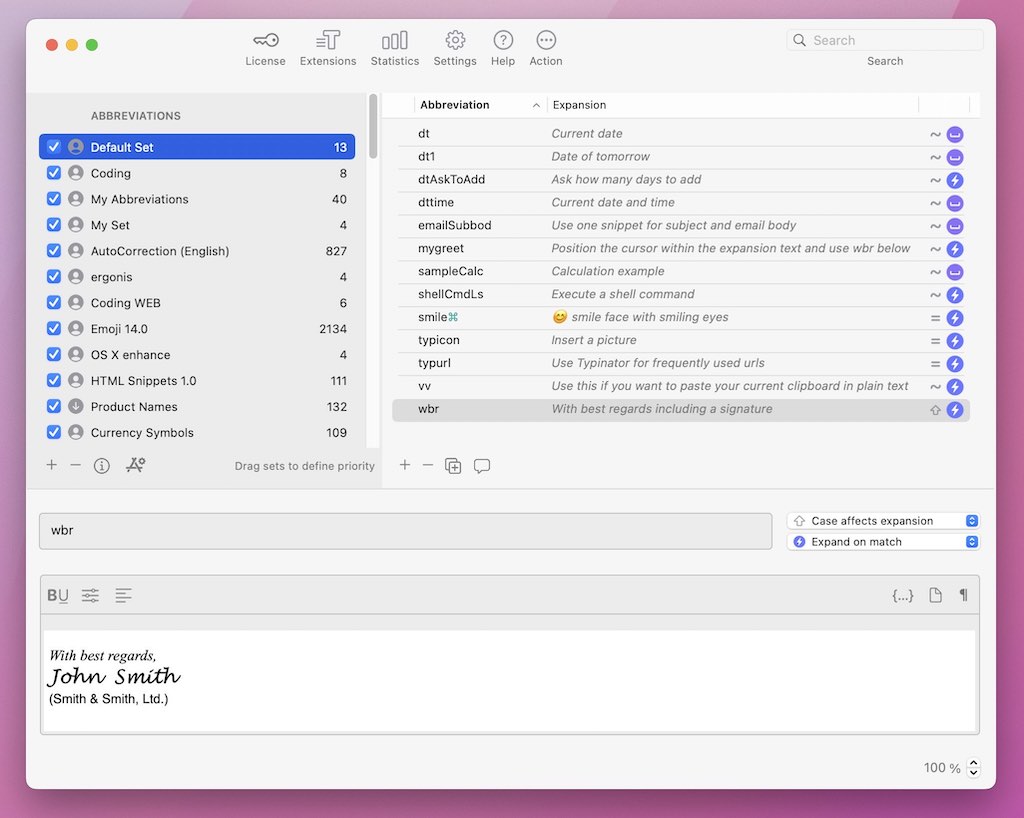
Create your own abbreviations or use predefined sets, to insert text, images, and more with just a few keystrokes. Typinator multiplies your typing efficiency while autocorrecting typos too. Save time for the really important things in life.
 PopChar
Unlock the world of fonts and characters
Unlock the world of fonts and characters
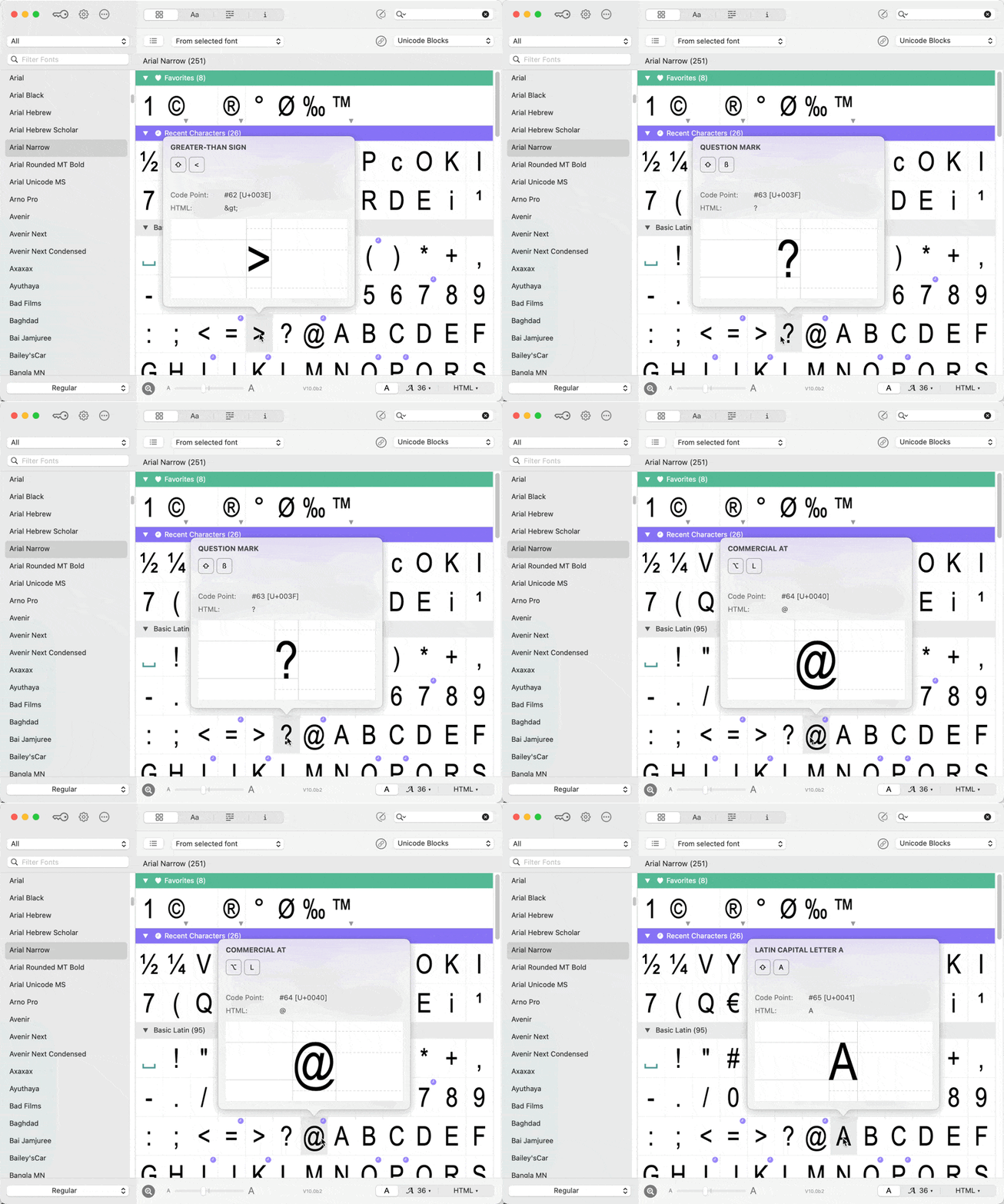
Simplify the process of finding and inserting special characters from any installed font. PopChar is a tool that seamlessly integrates into your workflow to enhance efficiency and creativity. Transform your text editing experience, making it more productive and enjoyable.
KeyCue
Simplify your life with keyboard shortcuts
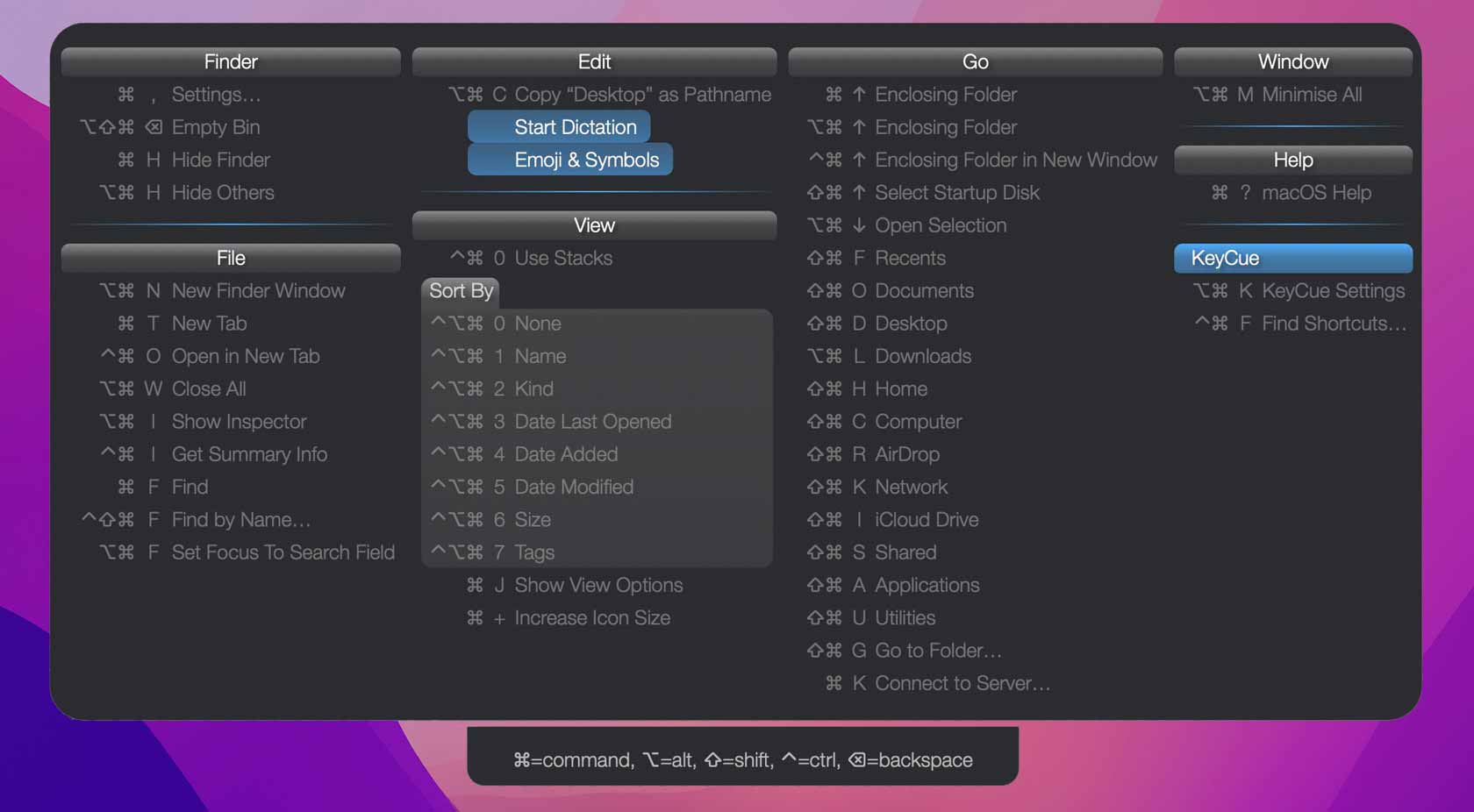
Display a handy list of all keyboard shortcuts of any program and create your own shortcuts as you wish. Try it out, save time, and you'll never want to work without KeyCue anymore.
What our customers say
As usual with Ergonis's products, simplicity and reliability are the watchwords.
TidBITSFirst Mac software ever that convinced me to register after a trial period of 5 minutes. Good job!
Hans Trygve JensenWeb Designer
I love Typinator. I have tried the others, but Typinator is the easiest – by far. It is one of four essential productivity apps I could not live without.
Michael Hyattwww.michaelhyatt.comOne of the most useful programs for the Mac. I use this program hundreds of times a day. It's a HUGE time-saver.
Wilma Keppelmacupdate.com
A shout-out to Ergonis for saving me – so far – nearly four entire months of 16-hour days of my life!
Bill ThayerChicago, IL, USATypinator is the BEST utility I have purchased in a very long time. I tested a couple of other products before purchasing yours and only Typinator was 100% rock-solid.
Hugh NagleIreland